How to Wear the Sensor
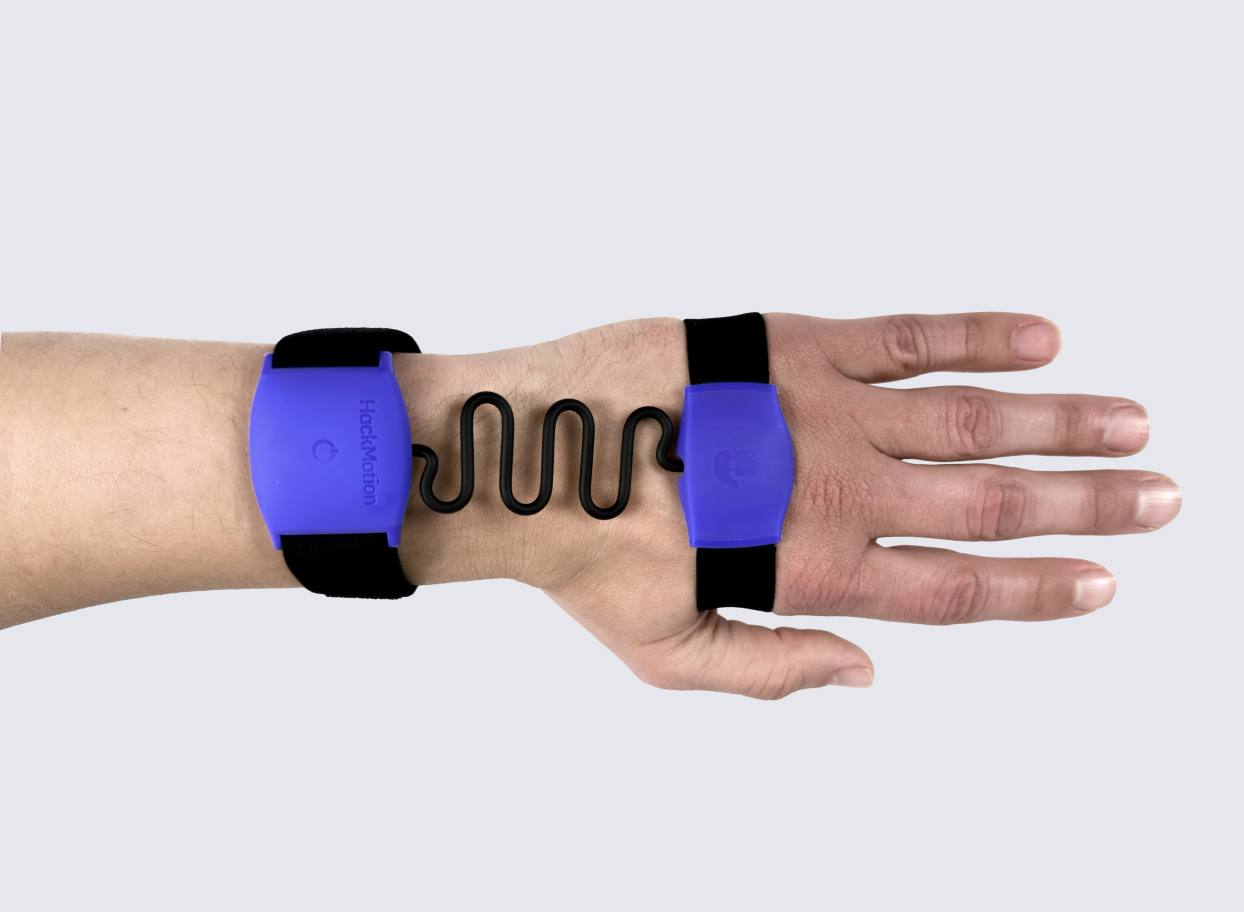
Which Hand Do I Wear HackMotion On?
The HackMotion sensor should be worn on the lead wrist:
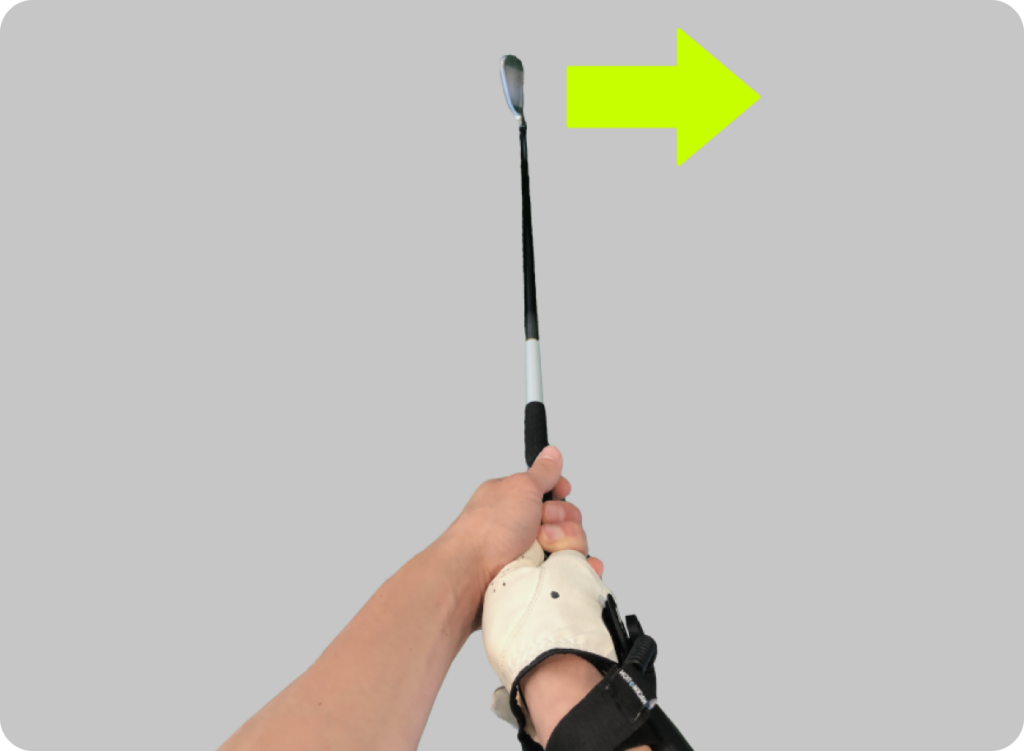
- For right-handed golfers, that is your left hand.
- For left-handed golfers, that is your right hand.
Sensor on the lead wrist of a right-handed golfer
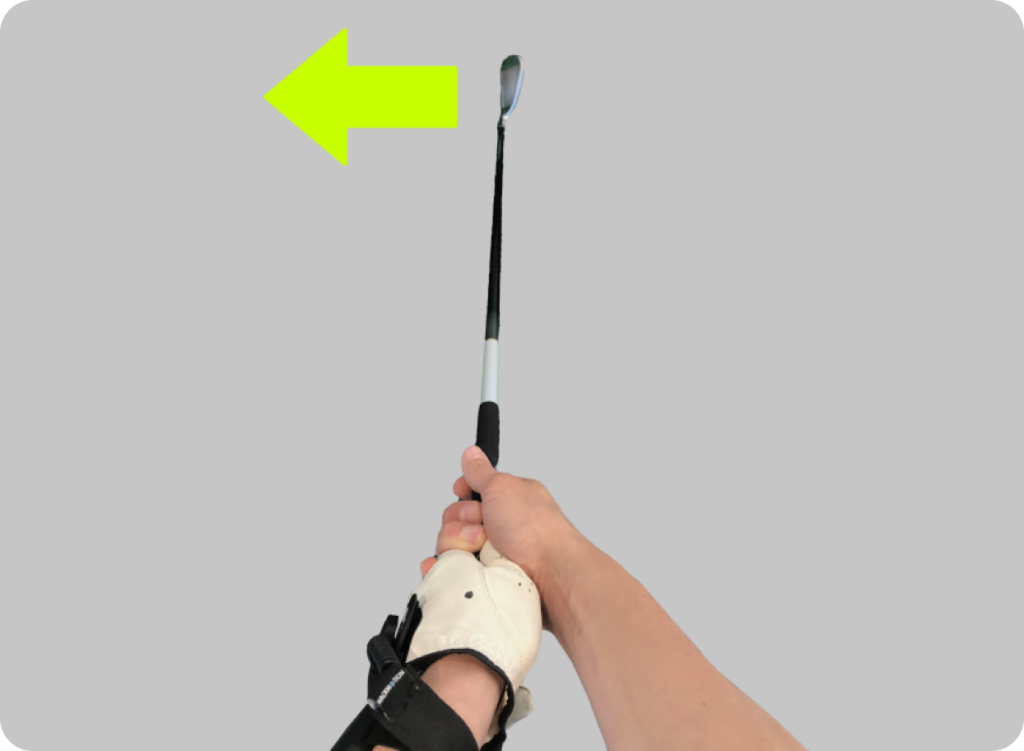
Sensor on the lead wrist of a left-handed golfer
How to Correctly Wear HackMotion (Sensor 4)
Selecting and changing the strap
Try each size hand strap to find the best fit. The fit should be comfortable, while tight enough to prevent the sensor from moving during a swing.
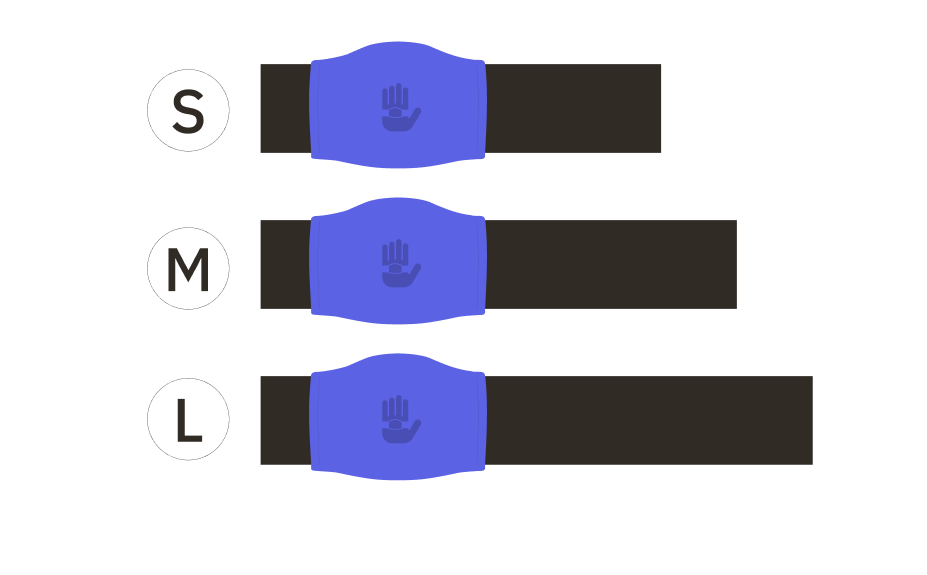
To change the strap, push the sides of the rubber on strap and remove the sensor, then insert the sensor in a new strap.
Wearing the sensor
Make sure that:
- Larger sensor part is approximately 1 inch above the wrist bone
- Both sensor parts are aligned with each other
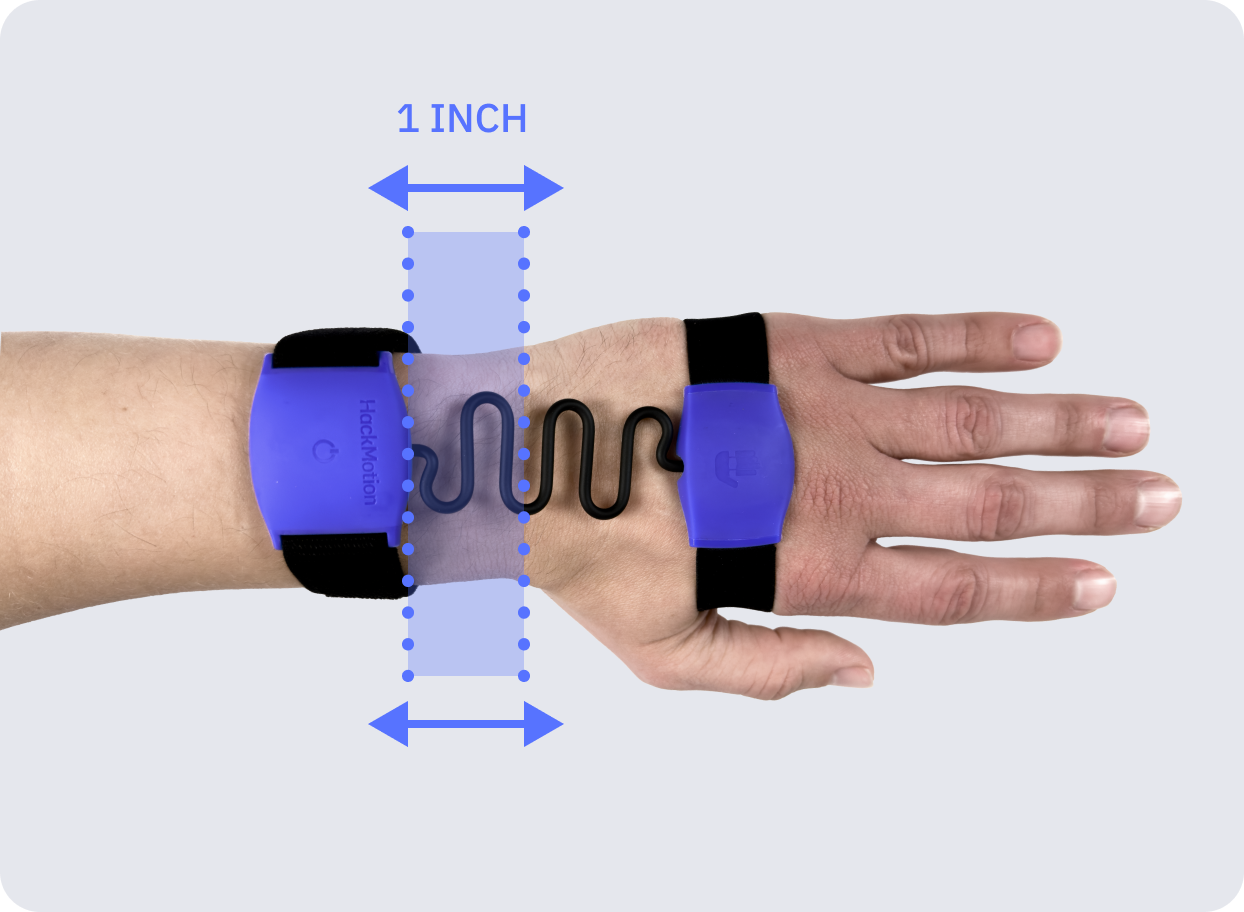
While wearing a golf glove
Unlike earlier sensor versions, HackMotion Sensor 4 does not have a glove clip attachment. It is designed to be worn under a golf glove.
While not wearing a golf glove
How to Correctly Wear HackMotion (Sensor 3)
Make sure that your HackMotion is:
- One inch above your wrist bone
- Both sensors are aligned with each other
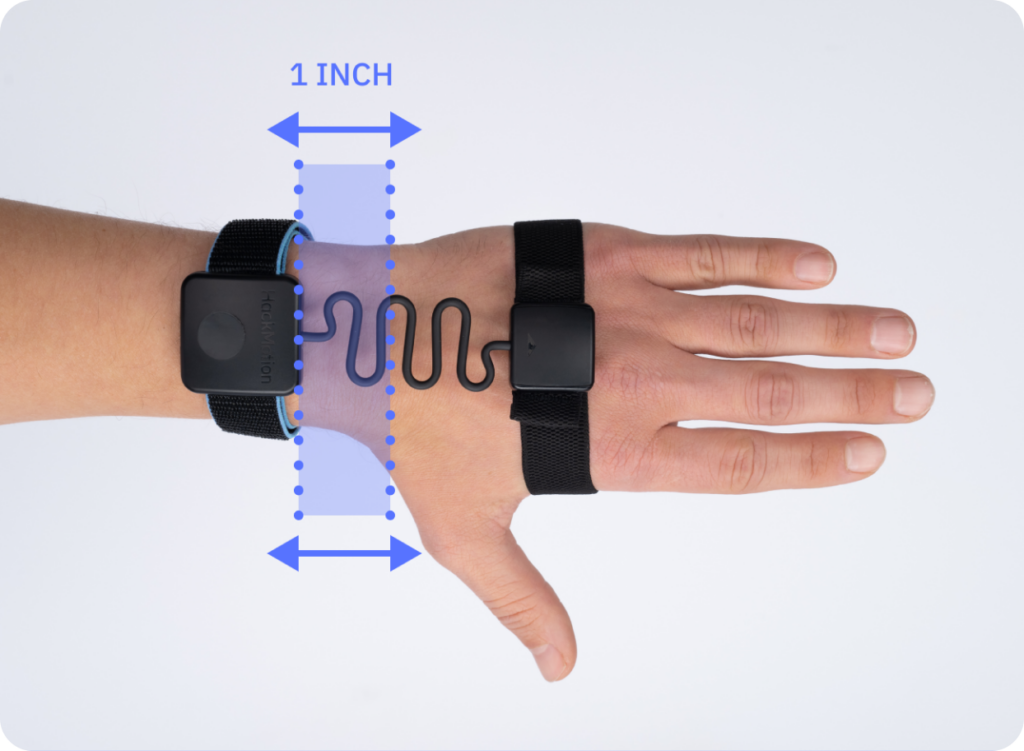
Wearing with a strap around the palm
With the clip attached to the glove:
Changing the attachment
Strap vs. Clip-On: Which One to Choose?
You can use the HackMotion Sensor 3 in two ways – either attach the provided clip to your golf glove or attach the strap to the palm of your hand without a glove.
Which one you choose is down to personal prefference.
However wearing the HackMotion sensor with the hand strap tends to provide more accurate results, especially if your glove’s velcro is worn out that may cause the sensor to move around.