The Faldo Drill: Improve Wrist Control, Takeaway Structure, and Ball Striking Consistency
The Faldo Drill, popularized by six-time major champion Nick Faldo, is a simple way to clean up one of the hardest parts of the golf swing: controlling your wrists early and keeping them stable as the swing builds.
The takeaway can set your swing up for success (or disaster) and by presetting the correct wrist and arm position at P2 (shaft parallel), the drill removes guesswork. It helps you repeat a more consistent motion from the takeaway to the top.
Here are the basics of the Faldo drill and who it works for.
Contents
Who Needs the Faldo drill?
The Faldo Drill is designed to improve takeaway structure, stabilize the wrists during the backswing and create more consistent contact and clubface control.
It’s especially helpful for golfers who struggle with timing, inconsistent strikes, or shots that curve unpredictably.
Why It Works
Most golfers don’t hit bad shots because they don’t hinge their wrists. Hinging mistakes are typically created when golfers hinge incorrectly or at the wrong time.
The Faldo Drill works because it:
- Builds the correct wrist position early
- Reduces unnecessary wrist movement later in the swing
- Turns the backswing into a simple task: move the structure around your body
Once the wrists are set correctly at P2 (shaft parallel), they naturally stay more stable throughout the swing.
How to Do the Faldo Drill
Here’s how to do the Faldo Drill step by step. The most important thing to remember is to set the position first, then make the swing don’t rush past the checkpoint.
Take your time getting the club to shaft-parallel before you move on.
Step 1: Set up Normally
- Take your regular stance and grip.
- Use a 7-iron to start (it’s the easiest club to learn the drill with).
Step 2: Preset the Club to P2
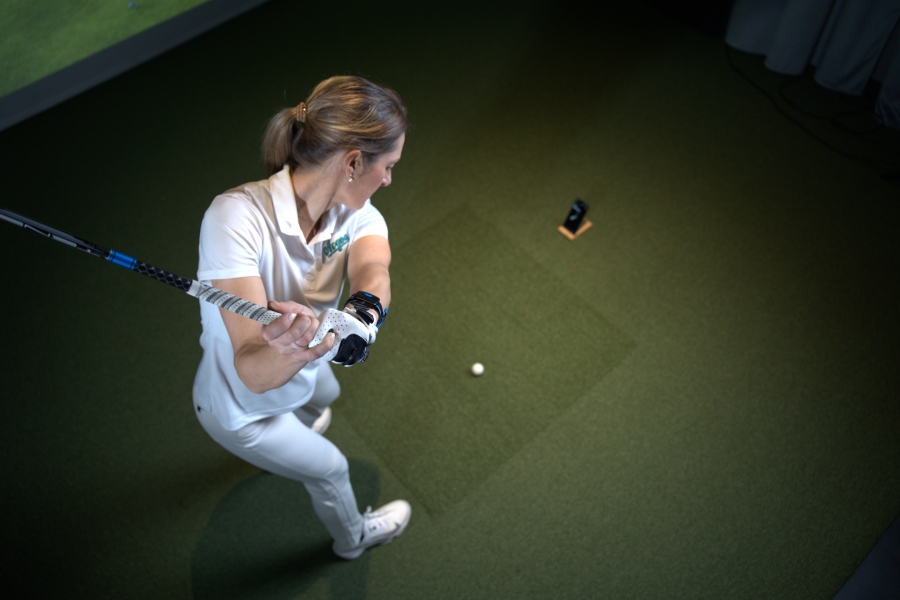
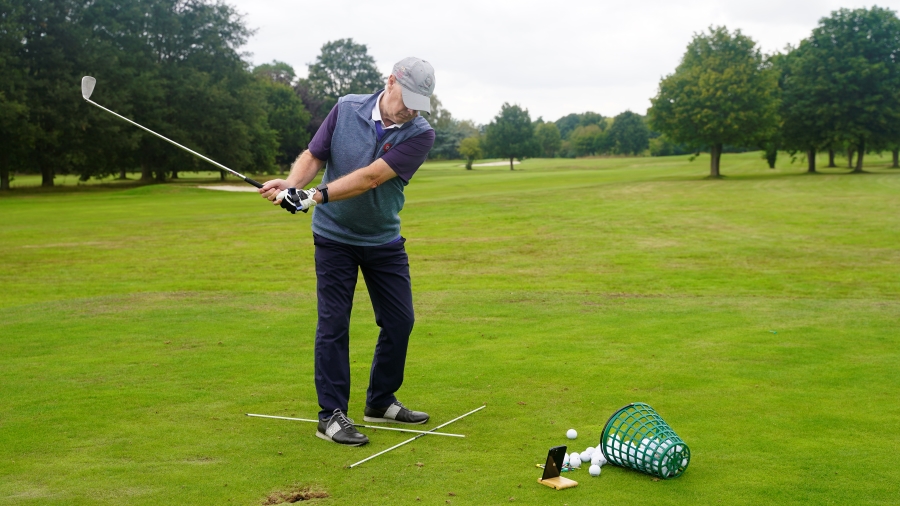
- Without turning your body, move the club back until the shaft is parallel to the ground.
- Use mostly your wrists and arms, not your shoulders.
- Key checkpoint: the butt end of the grip should feel like it stays over the ball as you set the club.
Step 3: Check Your P2 Position
At P2:
- The shaft is parallel to the ground.
- The shaft is parallel to the target line (from down-the-line).
- Clubface looks neutral, not wide open to the sky, not overly shut.
Pause here for a second. Don’t rush this part.
Step 4: Transport the Structure to the Top
- From the preset P2 position, turn your body and let the arms move with it.
- Feel like you’re keeping the same wrist and arm structure as you go to the top.
Step 5: Start with Practice Swings
- Begin with slow practice swings.
- If contact is difficult at first, lightly tee the ball up to give yourself margin.
- Gradually build speed once the motion feels repeatable.
HackMotion Integration
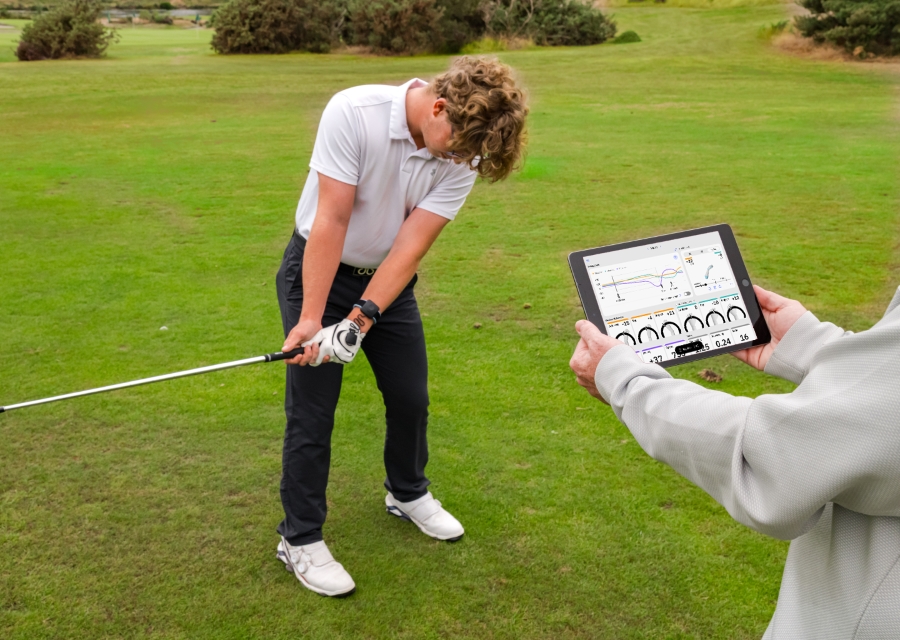
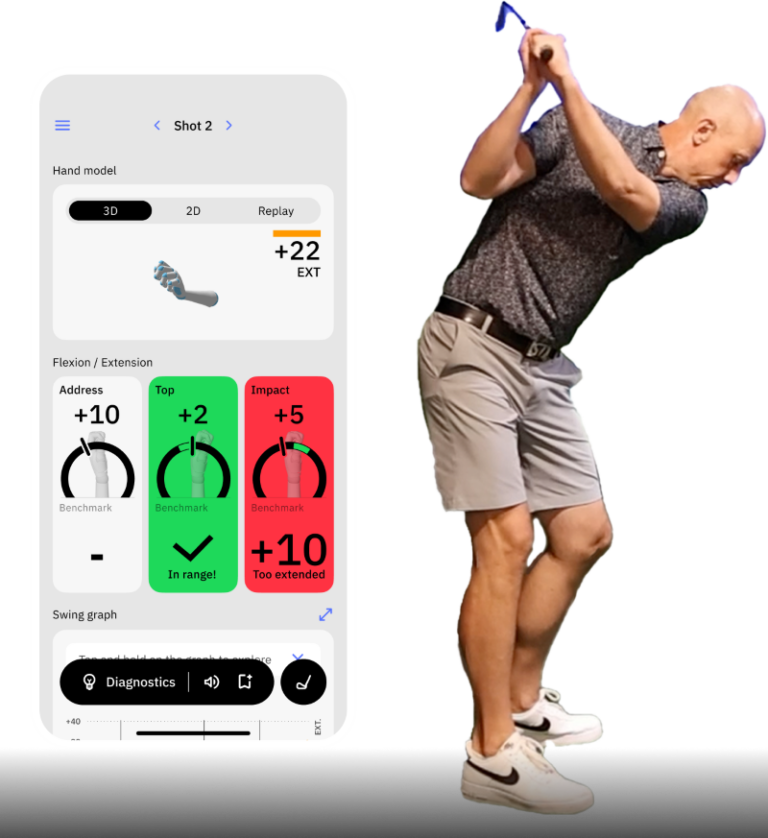
The Faldo Drill is built directly into the HackMotion app, allowing you to practice it with real-time feedback.
HackMotion Faldo Drill
Reach a solid Top position with just the right amount of wrist hinge.
- Select the Faldo Drill and choose the club you’re using.
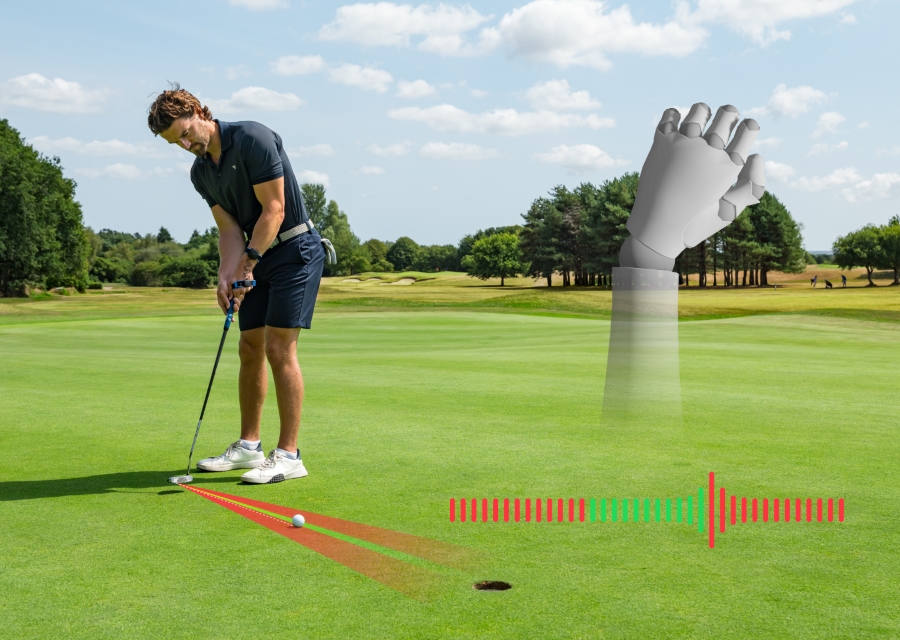
- HackMotion confirms when your wrists are in the correct range at P2 using on-screen feedback and vibration.
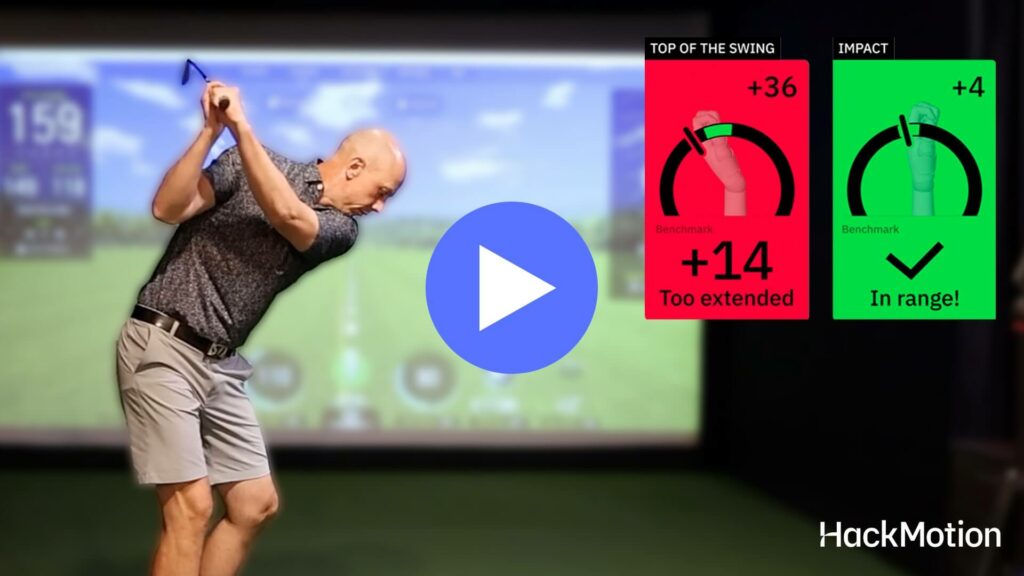
- As you swing to the top, the app lets you know if you add extra wrist motion or lose structure.
- To continue progressing with the drill, start by presetting to P2 and stopping, then work up to swings to the top, slow-motion downswings, and finally half-speed and full shots as your control improves.
This turns the drill into a guided rep-by-rep exercise instead of a guess-and-check routine. You’ll see the results in the shots you hit, but also get to keep close tabs on your consistency and progress.
Want to explore all the other built-in drills inside the HackMotion app?
Discover our complete collection of in-app HackMotion golf drills designed to improve wrist control, structure, and consistency.
Feel Cues (What The Faldo Drill Should Feel Like)
When working on any kind of drill, feel matters. Having a feeling helps you transition a drill to the golf course and make it part of your next round of golf.
Not every feel works for every player, so try a few with each of these and see which one clicks.
- “Set it, then turn.” Prevents a rolling, handsy takeaway.
- “Build P2… then just transport it.” Keeps you from re-hinging later, makes the process simpler.
- “Grip end stays over the ball.” Stops the hands from drifting inside too early.
- “Clubface feels slightly down at P2.” Helps avoid an open face in the takeaway.
- “Light squeeze of the arms together.” Improves connection and stability while you work on the wrist hinge.
Need more help stabilizing your wrists throughout the swing?
Try these drills to improve wrist mechanics and make consistency easier to repeat.
Common Mistakes and Quick Fixes
As with any golf drill or exercise, there is room for error. Practicing a drill incorrectly will make it difficult for you to see real progress.
Here are some common mistakes and quick fixes you should keep in mind as you practice.
| Common Mistake | Quick Fix |
|---|---|
| Turning the shoulders while setting P2 | Freeze your chest and preset the club using only your wrists and arms. |
| Shaft not truly parallel at P2 | Pause at P2 and visually confirm the shaft is parallel to the ground. |
| Clubface looks wide open | Slightly reduce lead-wrist extension during the preset. |
| Big hooks or overdraws | You’re likely over-closing the face—rebuild the P2 checkpoint and slow the swing down. |
Final Thoughts
The Faldo Drill simplifies wrist control by teaching you to build the right position early and repeat it, rather than fixing problems mid-swing.
Use HackMotion feedback to confirm you’re setting P2 correctly and keeping it stable.