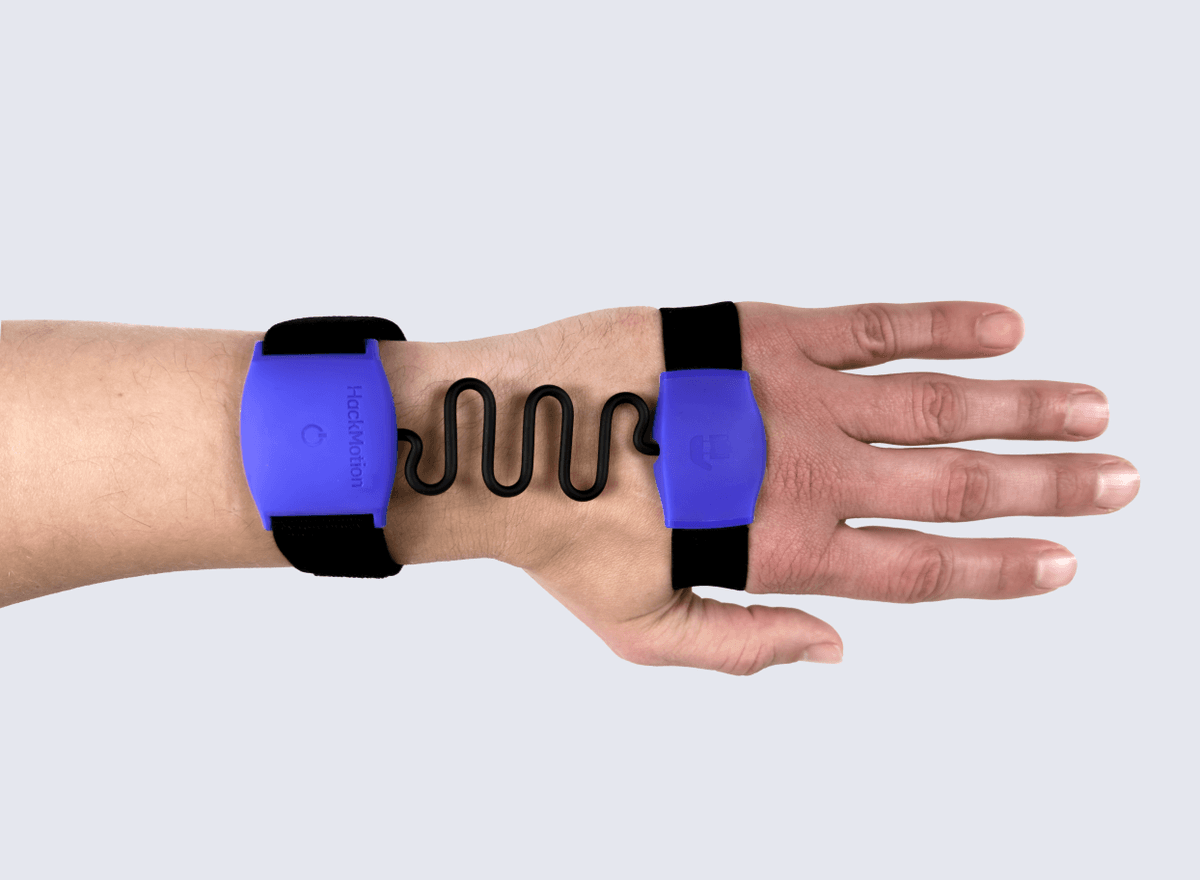
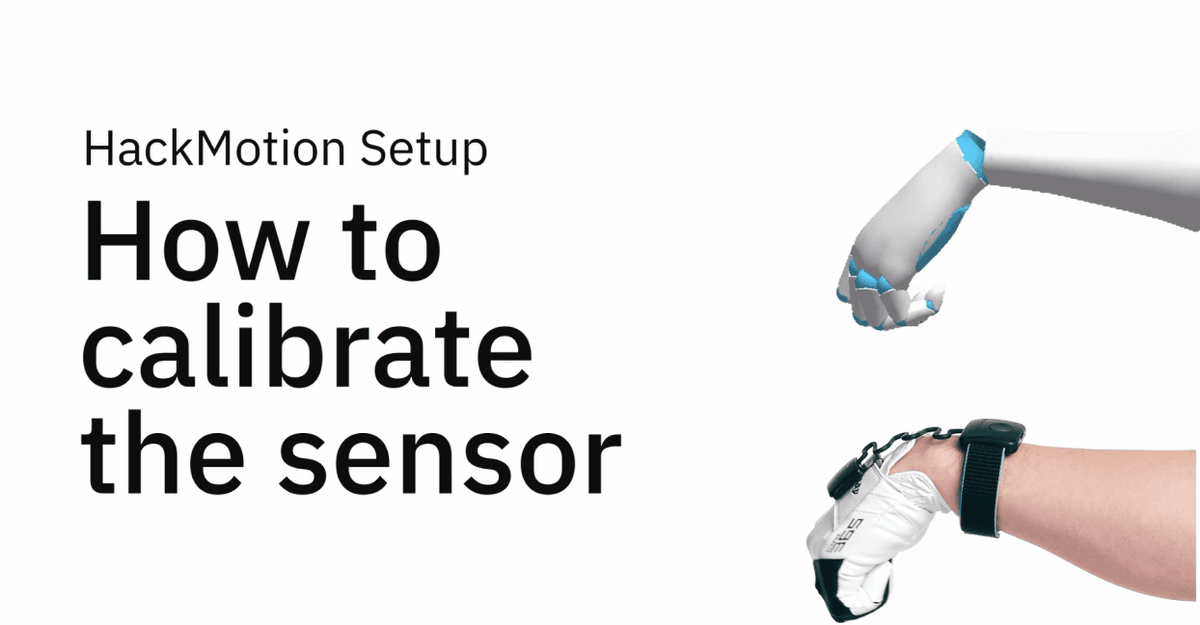
To start, you will need a HackMotion sensor, a HackMotion app on a supported device (iOS or Android) and a HackMotion account.
To analyse your full swing, you will need to hit a golf ball at a range, net or simulator setup. Most practice balls should also work.
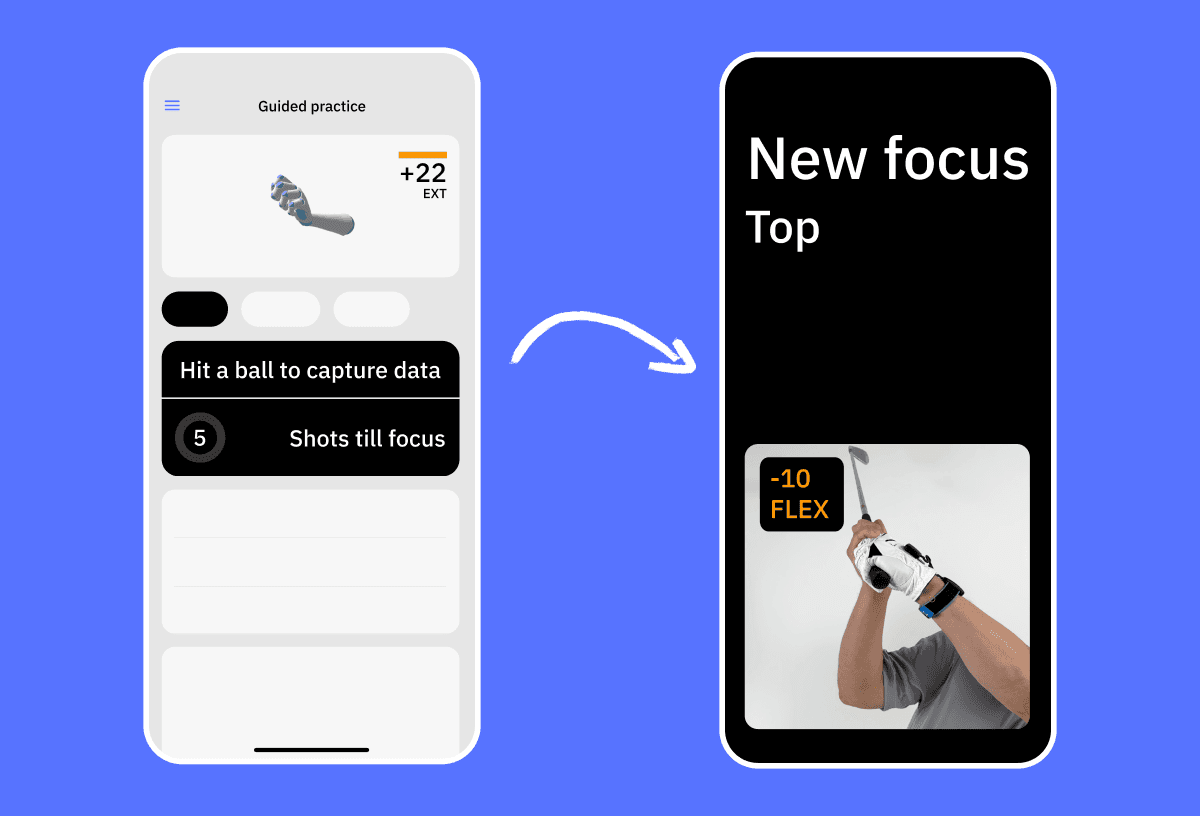
You can find onboarding articles in our Learning Center. We recommend starting with the Guided Practice - this practice mode will ask you to take swings, provide feedback and recommendations.
To provide accurate feedback for your swing, HackMotion requires you to take full speed shots with a ball. However, you can work with the in-app drills in slow motion without hitting anything to get an understanding of the suggested target ranges.
Our device and app is designed to be used for practice in driving ranges, simulators or home setups, so at the moment it is not suited to be used on the course during a golf round.
Yes, HackMotion works for right-handed and left-handed players. Before calibrating the device, the app will let you select your playing side.