Please go through these articles carefully:
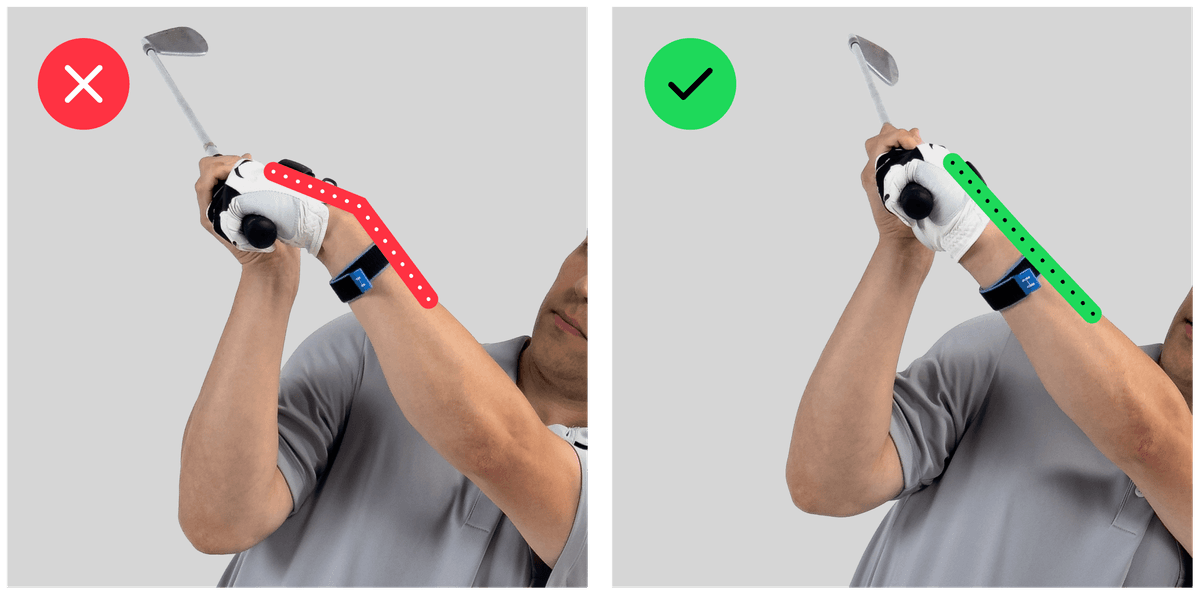
With a little practice, you can calibrate HackMotion within a few seconds. However, take care to make the correct movements during the calibration process - flat wrist, parallel to the ground, no rotation, raising the arm straight up.
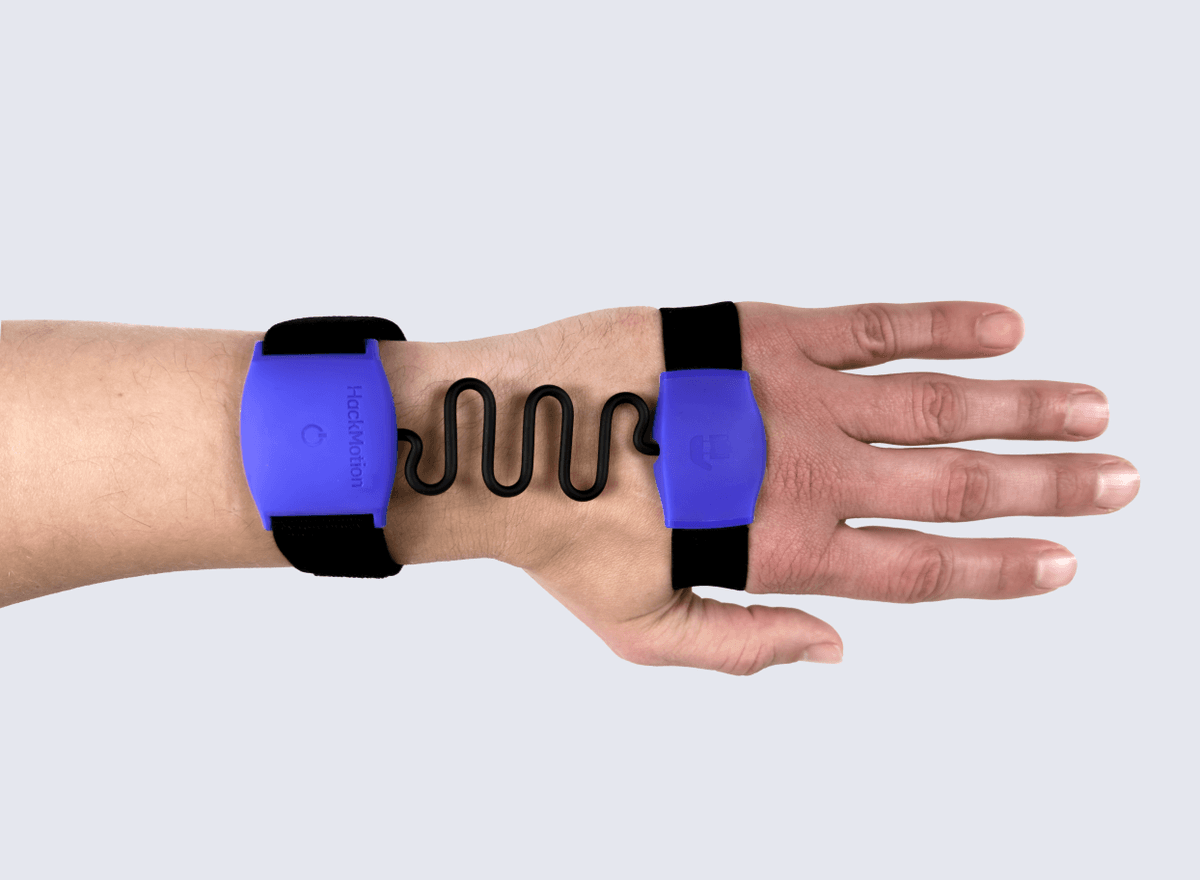
While using Guided Practice and in-app drills, HackMotion should be worn on the lead wrist: left for right-handed players, right for left-handed players. Make sure you always select the correct playing side.
The HackMotion app will prompt you to calibrate before you start any practice session. If the sensor moves on your hand after you calibrate it, you need to recalibrate it to make sure the feedback remains accurate.
If you notice the 3D model in the app does not match your wrist, you should calibrate again and pay close attention to the instructions in this article.
With the correct calibration steps, the wrist angles will be captured with a high degree of accuracy. Right after the calibration, press Check my calibration in the app to spot any issues.
The acceptable difference between sessions should be within ±5 degrees. If you notice the data varies more between sessions, please review your calibration process, and contact HackMotion support. You may be asked to provide a short video of your calibration process, which will help us identify or rule out the common errors.
The calibration process can be completed within 10-20 seconds. If it takes longer or you see errors every time, review the in-app instructions carefully.
The errors in HackMotion should explain what was the issue during the calibration process - for example, the sensor may have detected that you moved the arm away from your body instead of raising it straight up. Review the error text and the calibration instructions, and contact HackMotion support if the issue persists.